
Overdue Crane Hire Invoices: A Practical Follow-Up Checklist
To follow up an overdue crane hire invoice, confirm the balance and due date, find the payment contact and ask what is holding it up. Keep the answer and next action clear.

Check Overdue Crane Hire Invoices Before Chasing
Before contacting the customer, ask accounts to confirm the current unpaid balance and the payment date you are working from. Check for a recent payment, credit or correction. Use the issued invoice reference so the customer can identify the same document.
Do not assume that every invoice becomes overdue a fixed number of days after its issue date. GOV.UK distinguishes agreed payment dates from the rules where no date was agreed. If the date is unclear, resolve it with the appropriate colleague before describing the invoice as late.
Check that the invoice was sent to the intended address or submitted through the required route. Keep the original issue record, even if you need to send a copy.
Find The Person Who Can Explain The Delay
The site contact who booked a crane may not process the invoice. Ask who handles accounts payable and whether they have the document. British Business Bank guidance highlights the importance of identifying the correct payment recipient and keeping a professional relationship with them.
Ask a specific question: is the invoice awaiting a document, an approval or a payment run? Record the answer in the customer's own words. If they refer you to someone else, confirm the correct contact before forwarding job records.
Send A Reminder They Can Act On
The Small Business Commissioner's unpaid-invoice guidance recommends a polite reminder with the invoice details, followed by direct contact if there is no response. Keep your first message short and factual. Give the recipient enough information to investigate without searching through the whole hire history.
Illustrative wording: 'Please could you confirm the payment position for invoice [reference], due on [date]? If anything is preventing processing, let us know what is needed and who is handling it.' Adapt it to the verified facts.
- Invoice reference, relevant job or site reference, and verified balance.
- The due date and a copy of the issued invoice where needed.
- The question you need answered and the colleague handling the reply.
Separate An Invoice Query From A Payment Promise
If the customer questions a charge, identify the particular line and the reason given. Pass it to the person who can review the job evidence. Avoid sending the same general reminder while that colleague is still answering a specific question.
A proposed payment date belongs in the follow-up record. Ask accounts to confirm receipt before closing the action as paid. If the customer requests different payment arrangements, pass that request to an authorised colleague and record what is actually agreed.
Resolve The Missing Job Detail
Illustrative example: an invoice for a warehouse lift remains unpaid. Accounts payable says the site manager is waiting for a supporting timesheet. The hire desk has the document, but the invoice reply has not reached the person reviewing it.
Confirm which document is missing and send the correct copy through the agreed route. Name the person checking it, then ask when the payment position will be reviewed. Keep the original query and the response together so another colleague does not restart the chase without that context.
Where the question concerns an extra shift or waiting time, ask for the exact disputed entry. Match the reply to that entry and have the relevant colleague check the supporting record before changing the invoice.
Leave One Clear Next Action
Before handing over, record who was contacted, what they said and who owns the next step. Give that step a review date. Keep unanswered messages distinct from a document query or a stated payment date, so the next colleague can respond appropriately.
If routine follow-up does not resolve the matter, prepare the invoice and contact history for the responsible colleague. Read the Small Business Commissioner's guidance and check support eligibility where relevant. Decisions about formal recovery, charges or legal action need appropriate review; this checklist covers the office follow-up.
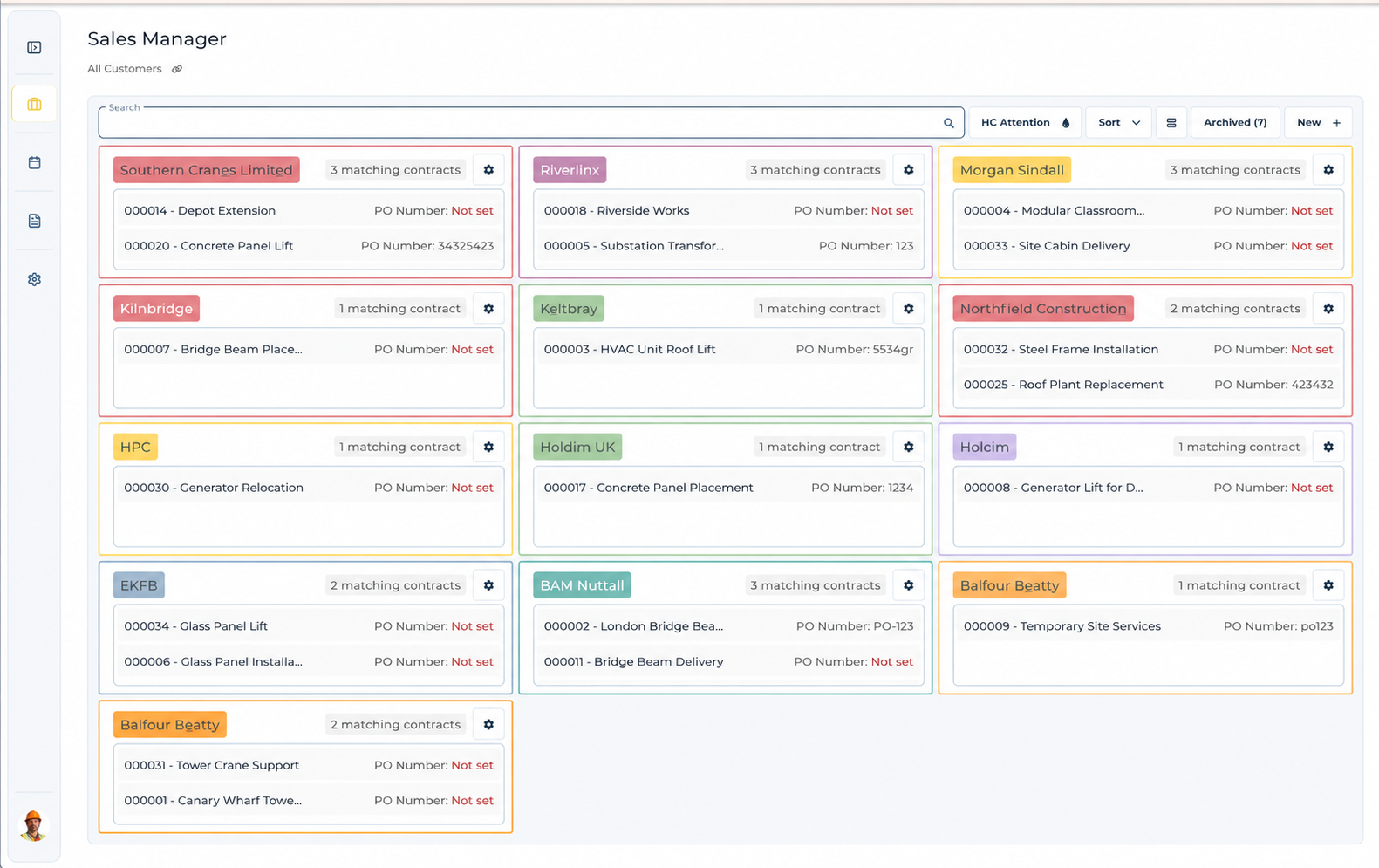
Keep Customer Contacts Organised
UpRate Sales Manager CRM is free for one user. Larger teams and optional modules, including Invoice Manager, are paid.
Sign up for FREE Compare modules